Call the Cat: Galaxy — devlog #19
TL;DR: The app installed but would not launch. The ad app ID was sitting in the config file exactly as expected. It just never made it into the built app — and a build that is missing it still succeeds.
It installed and then refused to open
The internal test build installed fine. Tapping the icon did nothing.
The first thing I suspected was the ad setup, so I opened the config file. The ad app ID was there, spelled correctly. That is where I lost a lot of time: the value was present, so I decided the config was not the problem and went looking somewhere else.
The config was not the problem. The problem was that the value never travelled to the app.
I opened the artifact instead of the settings screen
Rather than re-reading the settings screen, I opened the file the build actually produced.
An Android app bundle carries a final settings table that the system reads at launch. I extracted that table and read it. The result:
The initialization entry the ads SDK adds was there. The ad app ID entry was not. The code that initializes ads shipped; the value that code needs to read did not.
Initializing with a missing value stops right there. That explains it exactly: installs, does not launch.
The original config file definitely had the value. Somewhere in the merge of settings tables during the build, it failed to carry over. I have not confirmed which step drops it. I am still checking whether it is a cache or a build hook that never fired, and I am not going to write “the setting was missing” as a conclusion when I do not know that.
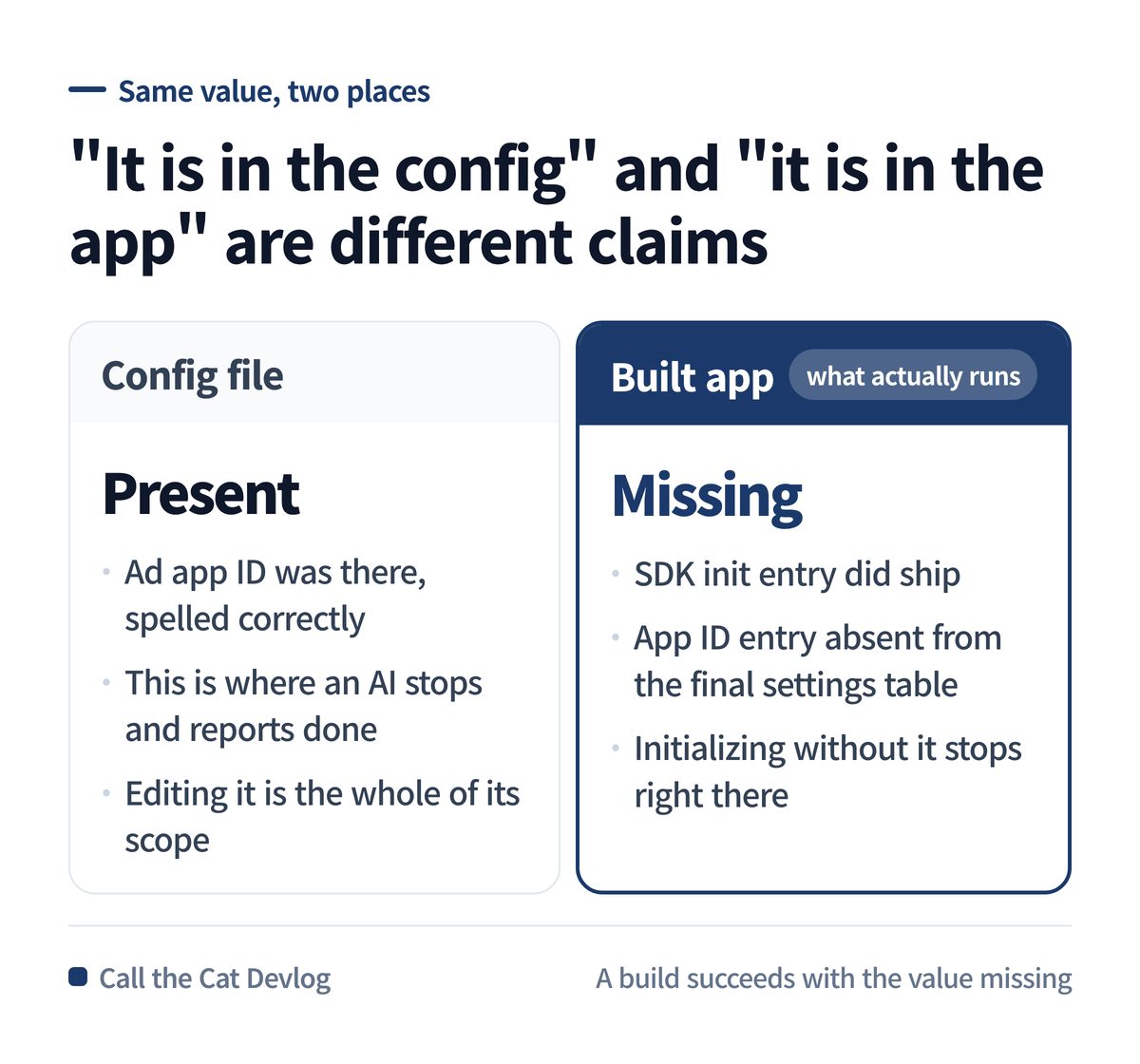
“It is in the config” versus “it is in the app” — two different claims about the same value.
What disappears when you hand this to an AI
Tell an AI “set up the ad app ID” and it edits the config file and stops. Then it reports back: done.
That report is not a lie. The value really did go into the config file. The problem is that the scope of an AI’s “done” ends at the source code. Whether the value survived into the built artifact is not something it looks at.
A successful build does not help either. A build succeeds with the value missing. Compiling and having the values needed at runtime are different questions.
So the place to check is neither the settings screen nor the build log. It is the artifact. There is no way to know other than opening the file you shipped and looking for the value inside it.
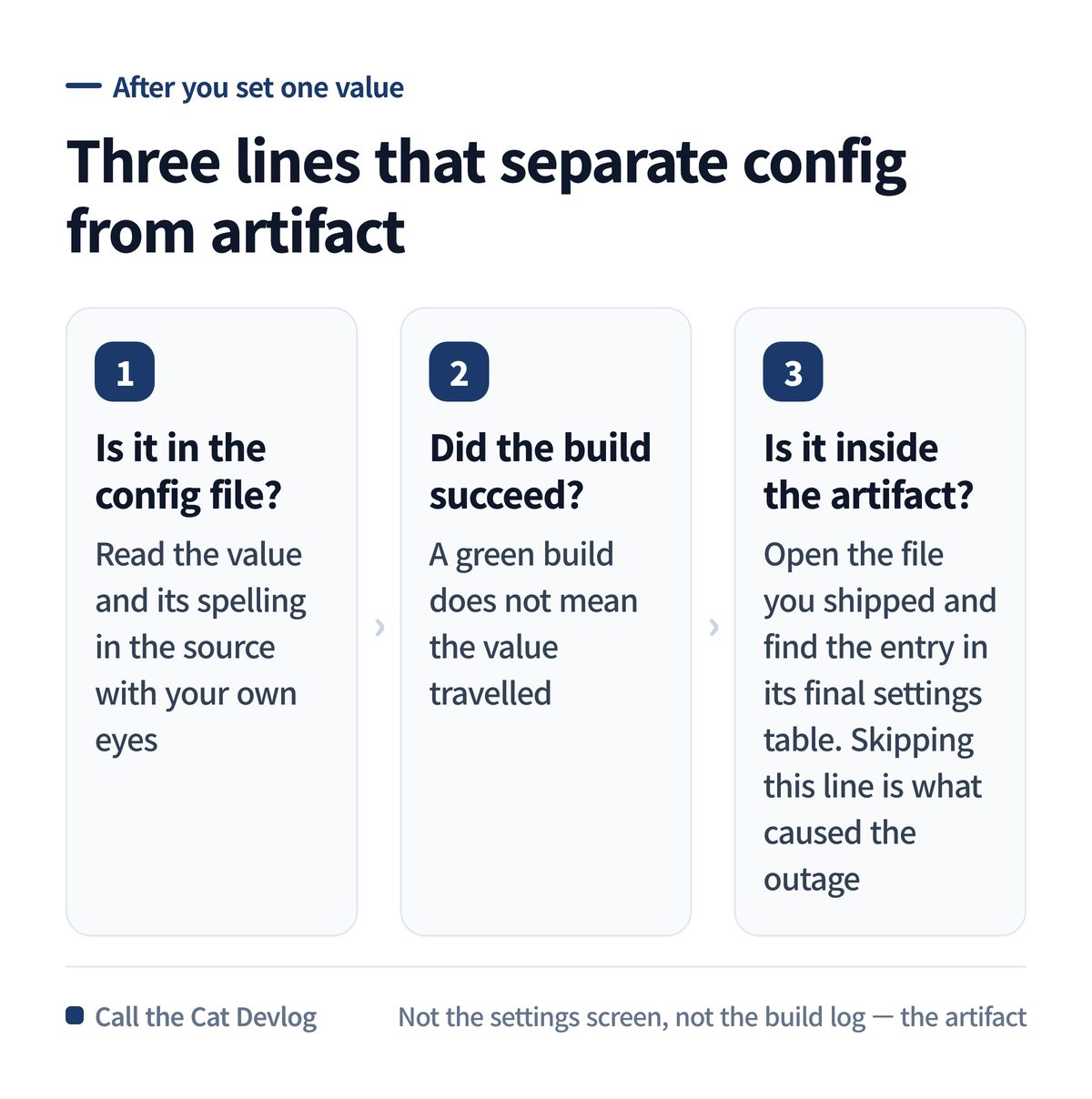
Config file, build result, artifact — the third line is the one that gets skipped.
Copy this — three lines to check after setting a value
Run these three in order whenever you set one value. Stopping after the first two is exactly what caused this.
| Order | What you check | Passing means |
|---|---|---|
| 1 | Is the value in the config file? | Read the value and spelling in the source file with your own eyes |
| 2 | Did the build succeed? | A successful build does not mean the value made it in |
| 3 | Is the value inside the artifact? | Open the built app file and find the entry in its final settings table |
Give the AI this one sentence before you ask it to change a setting.
After editing the config file, open the built artifact and show me that the value
actually landed in the final settings table. If you could not check, say exactly
that: "I only edited the config file and did not verify the artifact."
With that sentence, “I set it up” comes back split into how far it actually went.
At a glance
| Item | Detail |
|---|---|
| Symptom | Installs from internal testing, will not launch |
| Config file | Ad app ID present and correct |
| Artifact | SDK init entry present, app ID entry missing from the final settings table |
| Measured | AAB built 2026-09-05 07:34:30, 147,306,130 bytes, versionCode 50 |
| Confirmed | The value is absent from the final settings table |
| Not confirmed | Which build step drops it. Cache and build hooks still under investigation |
| Not done | Did not modify or reuse the existing artifact |
| Lesson | “It is in the config” and “it is in the app” are two different sentences |
Solo dev of Call the Cat, shipped after 178 days
on Google Play
and Steam.
Now building the sequel, Call the Cat: Galaxy, in public.
Leave a Reply