Solo game development — verification notes
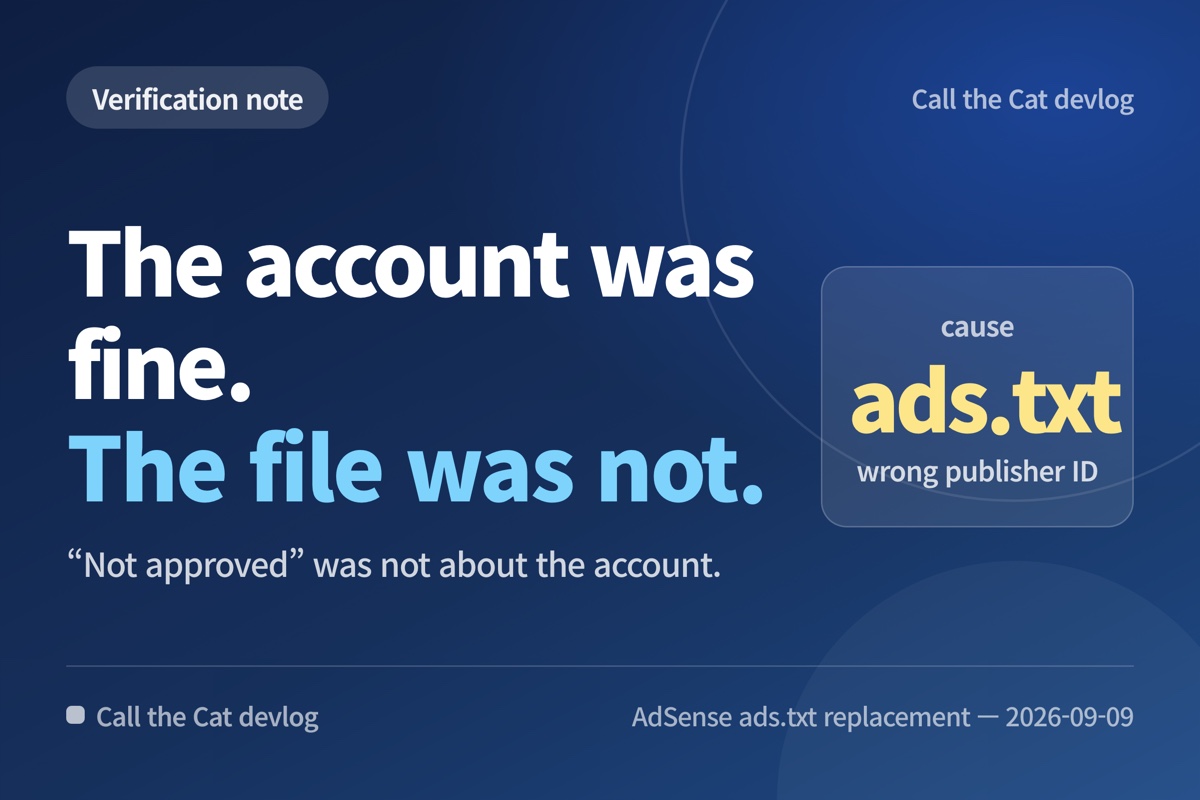
TL;DR: My ad approval problem was not an account problem. The public ads.txt file contained a different publisher ID, and one row was malformed.
The account was not the first thing to fix
When AdSense showed “Not approved,” I first suspected the account. The evidence pointed somewhere else: the public ads.txt file contained a publisher ID that did not match the current account.
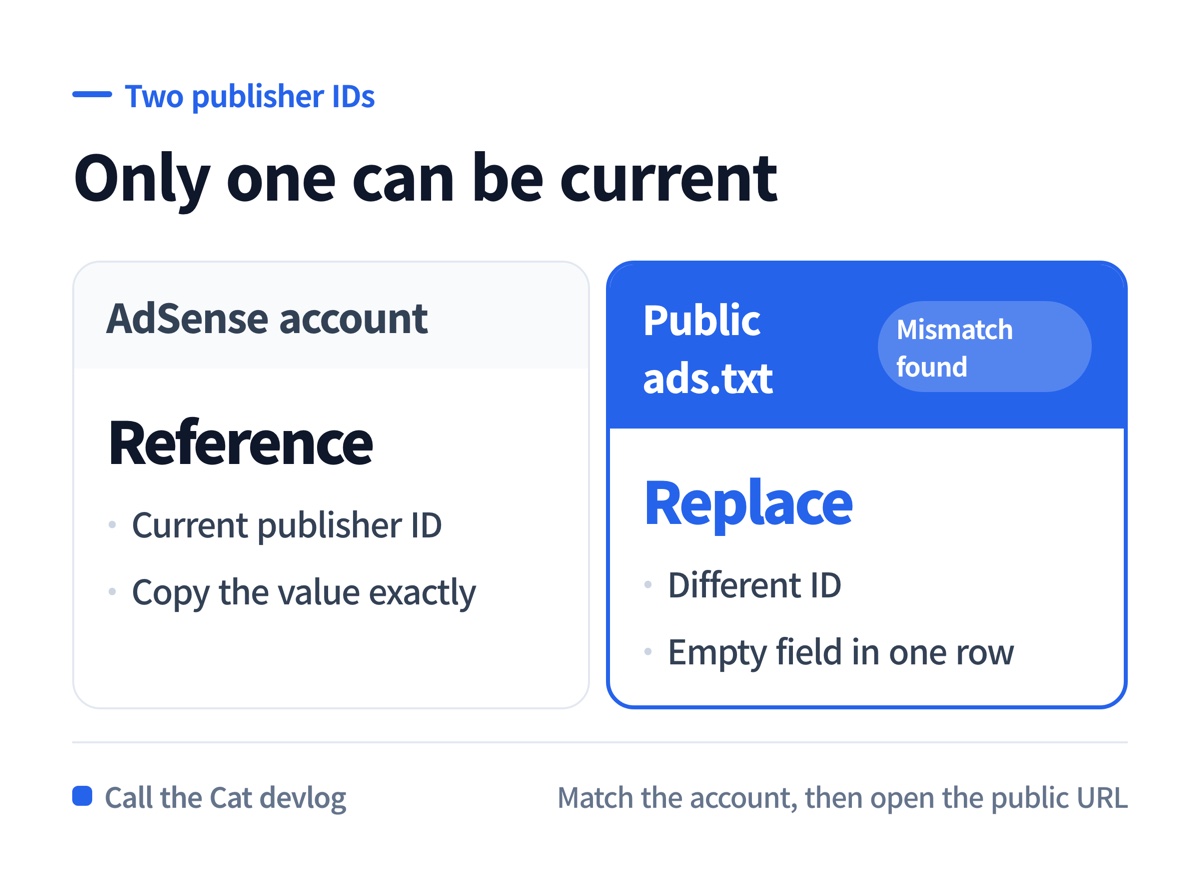
Compare the publisher ID in the account with the ID in the public ads.txt file.
| Place | What I checked | Result |
|---|---|---|
| AdSense account | Current publisher ID | The reference value |
| Repository ads.txt | ID and row format | A different ID and an empty field |
| Public URL | The file a crawler can read | The correction target |
The fix was to copy the value from the actual account and replace the public file. I did not invent the number after `pub-` or create a new advertising account.
The file has a precise home
Google’s example uses a line such as `google.com, pub-0000000000000000, DIRECT, f08c47fec0942fa0`. The exact publisher ID still comes from the account. The example is a format reference, not a value to copy into a real site.
The file also needs to be reachable at the root of the site. I opened `/ads.txt` in a browser and read the response instead of assuming that a successful deployment meant the crawler could see the right content.
ads.txt and app-ads.txt are not interchangeable
This task changed the website’s ads.txt and removed an incorrect app-ads.txt redirect. The names are similar, but the files serve different surfaces. Fixing one does not prove that the other is correct.
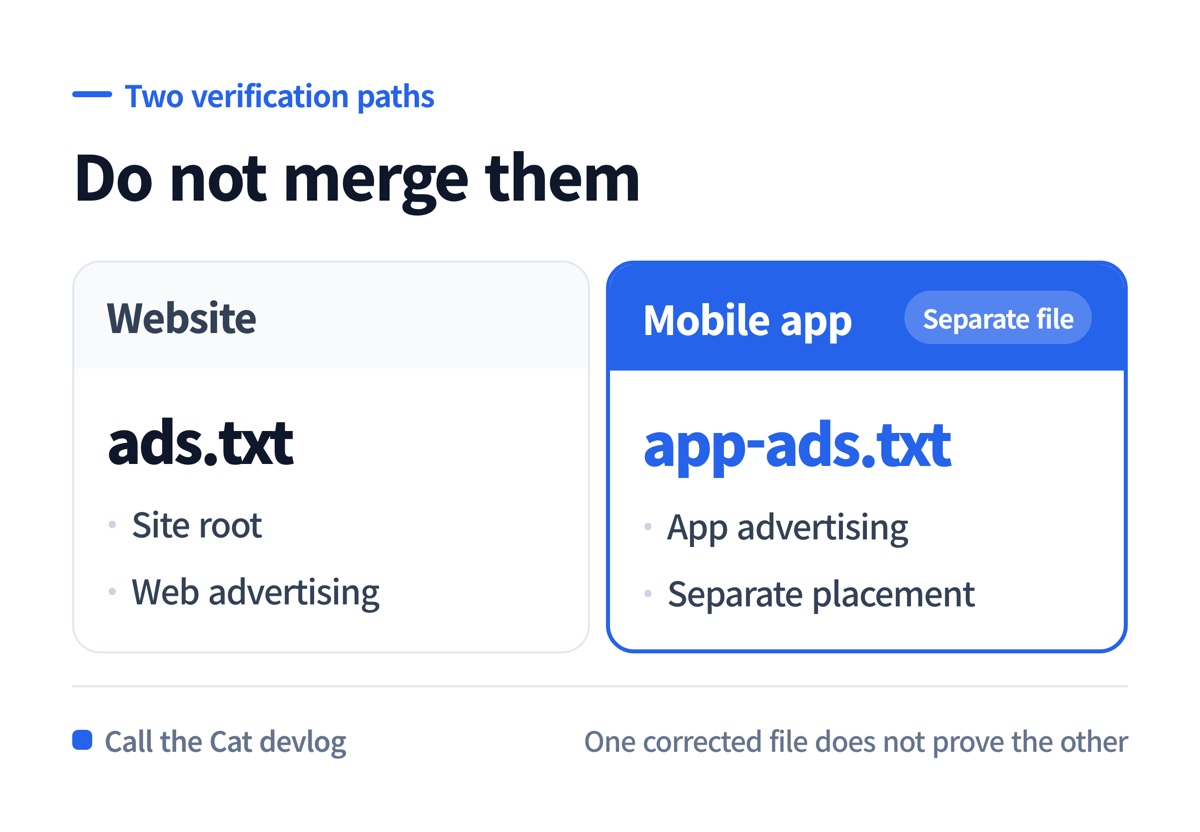
Website ads.txt and app-ads.txt belong to different verification paths.
That distinction matters when a game has both a website and a mobile app. Keep the file name, placement, publisher ID, and product surface together while checking them.
A replacement is not an approval
Google says that changes to ads.txt can take several days to appear in AdSense, and low ad traffic can make the wait longer. My evidence for this post ends at “the file was replaced and is waiting to be recrawled.” It does not prove that the account has been approved.
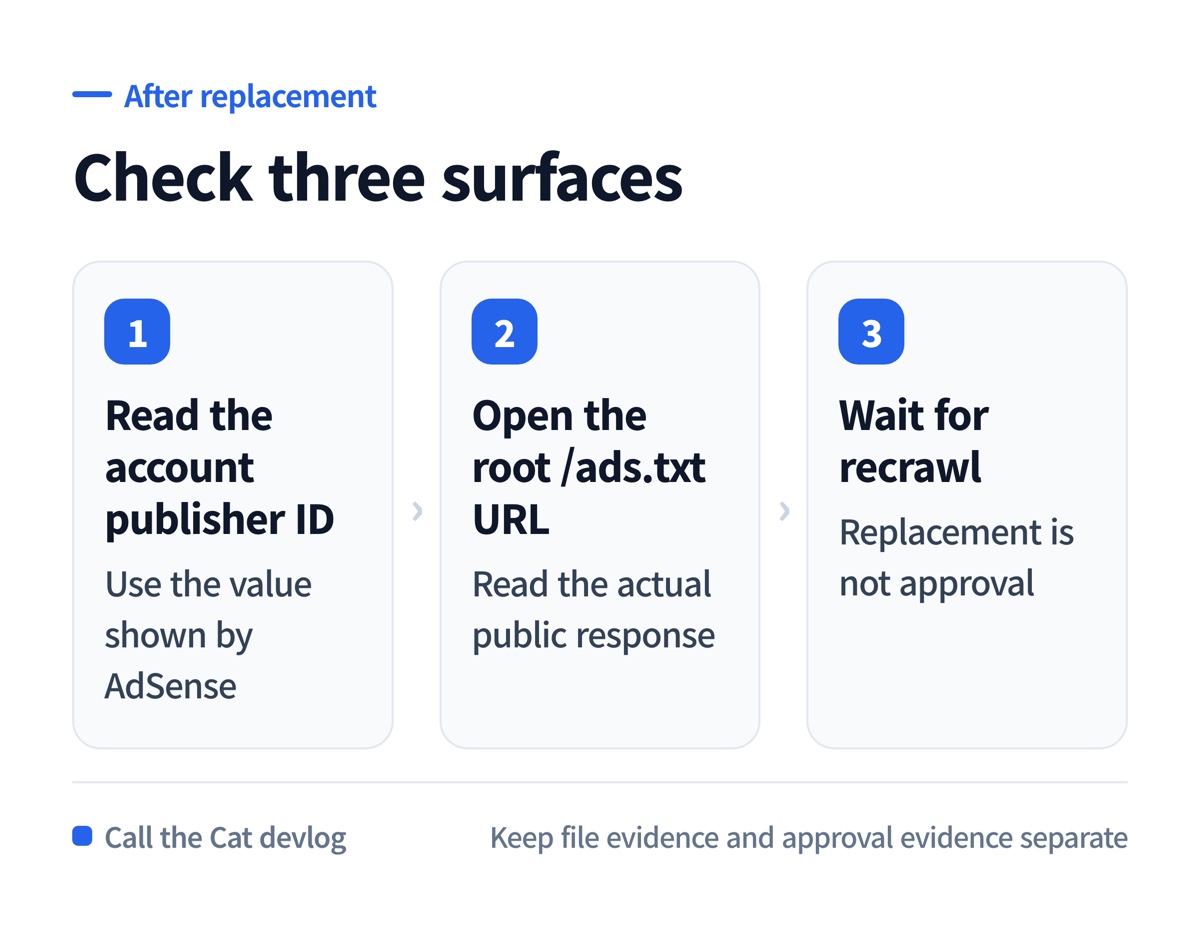
Recheck the account ID, root URL, and AdSense status separately.
At a glance
| Item | Evidence-based conclusion |
|---|---|
| Symptom | AdSense showed “Not approved” |
| Cause found | The public file had a different publisher ID and a malformed row |
| Repair | Replaced the public ads.txt value from the actual account |
| Separate file | app-ads.txt was checked as its own path |
| Verification boundary | File replacement is not approval confirmation |
Tags
AdSense, ads.txt, app-ads.txt, game development, ad operations, solo development
Leave a Reply