Galaxy Devlog #12 · Read the Galaxy build log
I do not write code and I cannot read it. Call the Cat: Galaxy, the Unity sequel to a game I already shipped, is written line by line by AI agents. My job is to say what I want, set the rules they work under, and check whether what comes back is actually right.
This one is about the assumption that a connected controller should just work everywhere.
Should a connected pad work on every screen?
We added a Steam build to a mobile-first game, and that meant adding gamepad support. It’s easy to assume at first that having the pad work on any screen would just be convenient.
But combat and menus don’t mean the same thing by the same input. `A` during combat might mean jump. `A` on the death panel might mean continue. When the same button does something different, at a different cost, depending on the current state, a mispress turns directly into wasted resources. If you’re new to this, the thing to understand first is not the button’s name — it’s that the current screen’s state is itself the input condition.
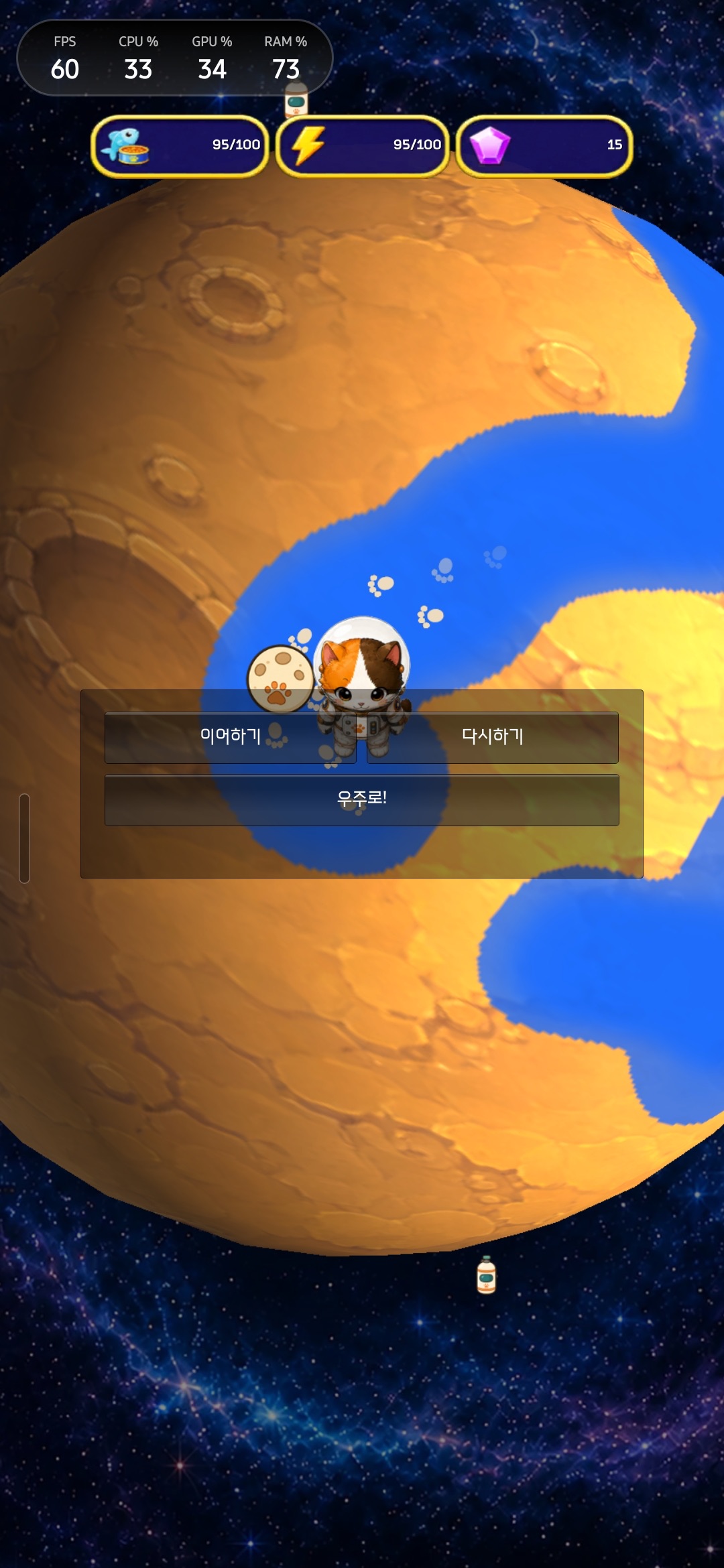
A screen where “retry” and “quit” are kept as separate choices.
Narrowing what’s allowed, screen by screen
The policy set on August 21, 2026 narrowed things down to this. (LogMode is a separate mini-game mode included inside this game.)
| Screen | Allowed pad input |
|---|---|
| Main game combat | A = jump, B = throw/attack, Y = exit |
| Main game defeat panel | A = continue, B = retry, X = to space |
| LogMode arena combat | movement, A = jump, B = attack, Y = pause/exit |
| Title, HQ, map, selection screens | no pad input |
| LogMode lobby/menu | no pad input |
Button badges only show up inside the defeat/exit panels, and only when a pad is actually connected — we chose not to force the keyboard-and-mouse UI into a pad UI everywhere. Whether this policy actually feels natural on a real Windows Steam build is still something we have to confirm ourselves.
Buttons with a cost got handled more conservatively
Right after death, the on-screen button has to be pressed directly to spend points. If pad `A` were read through the same shared input path as everything else, one careless repeat press could get interpreted as “continue.”
So the meaning of `A` was split apart by state, and spending points was limited to an explicit press of the on-screen button. This isn’t about making things inconvenient for pad users — it’s a boundary that keeps an accidental input from reaching an action that has a cost. The goal isn’t to block input; it’s to make explicit which states allow input and exactly when a cost gets triggered.
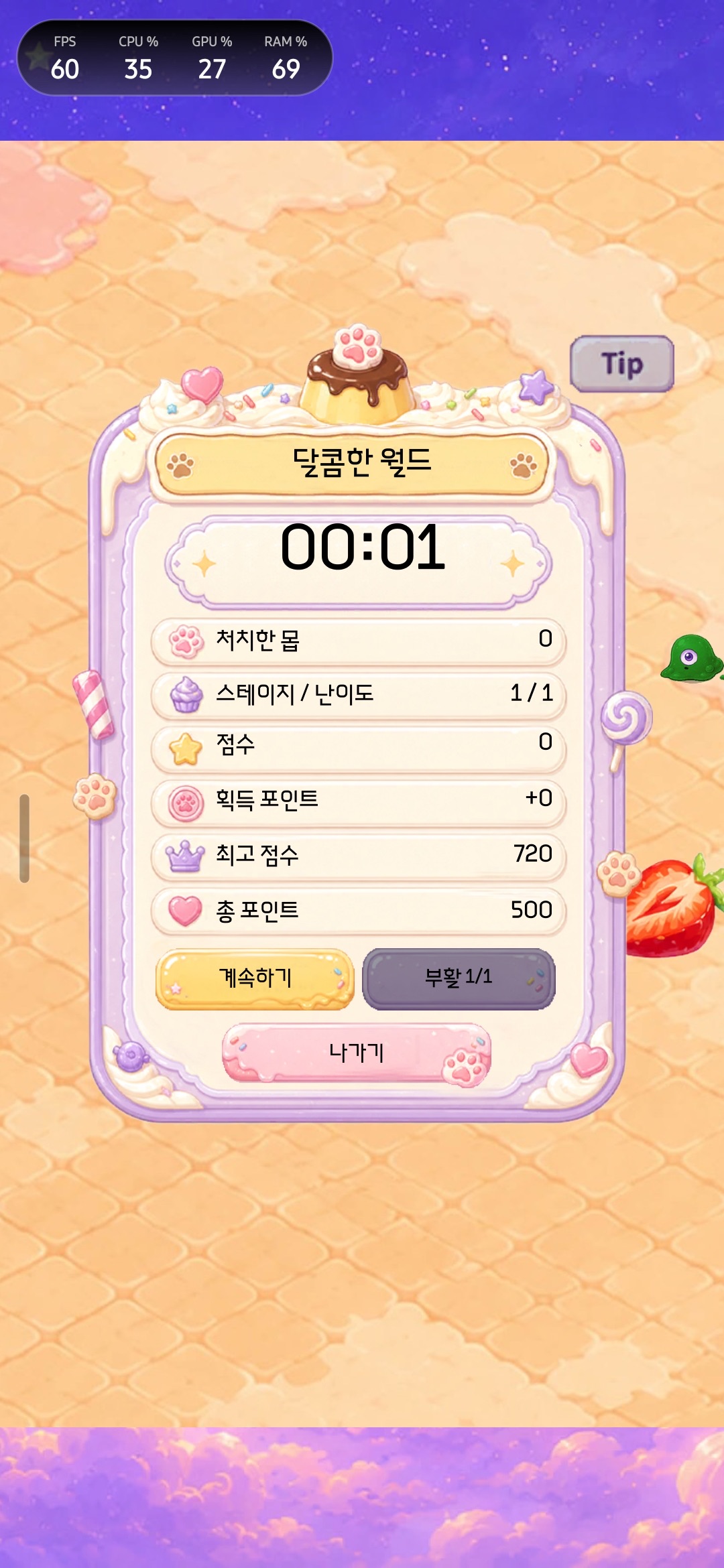
The LogMode revival screen — a different screen with a different input range.
Copy this
Before wiring up pad input, build this table first.
| Question | What to record |
|---|---|
| What state is the current screen in? | combat, defeat, menu, map, etc. |
| What does the button do? | move, attack, select, buy, spend |
| Is there a cost or an irreversible result? | points, items, exiting |
| Is pad input allowed here? | list only the allowed buttons |
| Does input get cleared after a disconnect or regaining focus? | including overlay and alt-tab |
The core rule fits in one line.
Only allow the pad in states like combat that need continuous input, and limit any menu action with a cost to an explicit selection.
Current status
The input policy and static checks are in place. Actual Windows Steam play-testing, input behavior after an overlay or alt-tab, and whether each defeat panel’s badges actually work are still open items for review. So this isn’t recorded as “gamepad support: done” — it’s recorded as the stage of deciding where the pad should be allowed to work at all.
Next post
Once the input range is settled, the next problem is whether the same input hints stay readable across every supported language. The next post covers the process for managing 12 languages and font subsets together.
Solo dev of Call the Cat, shipped after 178 days
on Google Play
and Steam.
Now building the sequel, Call the Cat: Galaxy, in public.