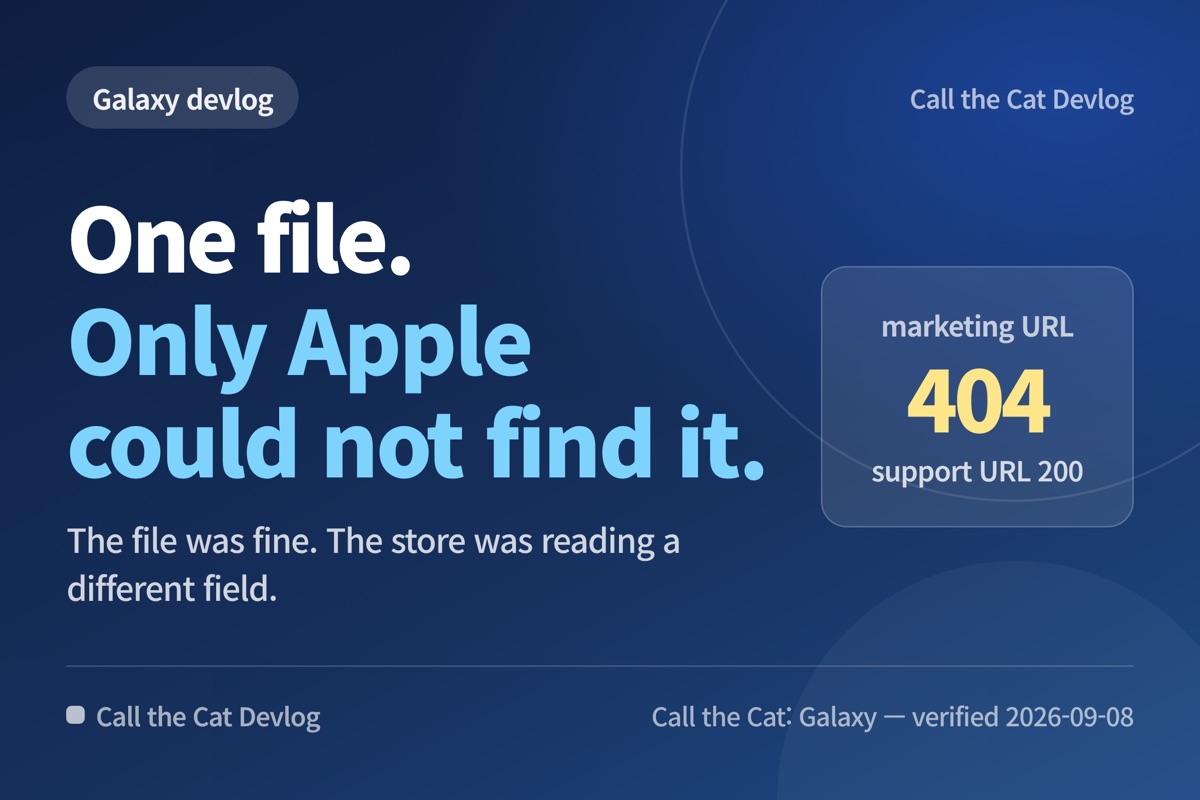
Call the Cat: Galaxy — devlog
TL;DR: The file was fine. AdMob reads a different field on each store, and on Apple it reads the marketing URL — which pointed at a site that did not have the file.
One address, and only one store could not find it
To run ads you have to put a single text file called app-ads.txt on your own website. It is one line long. It is a public statement that a given ad account is allowed to sell ads for your app, and it exists so buyers can filter out impersonators.
I made the file and uploaded it. Google Play went green. Apple kept showing “app-ads.txt file not found.”
Same file, same contents, same ad account. Only one side could not find it.
My first suspect was the file. Typo? Wrong extension? Wrong folder? I opened it several times. The file was fine.
AdMob looks in a different place for each app
Where does AdMob look? It goes to the developer website address written in your store listing, appends /app-ads.txt, and crawls that.
The catch is that the field it takes that address from is not the same on every store.
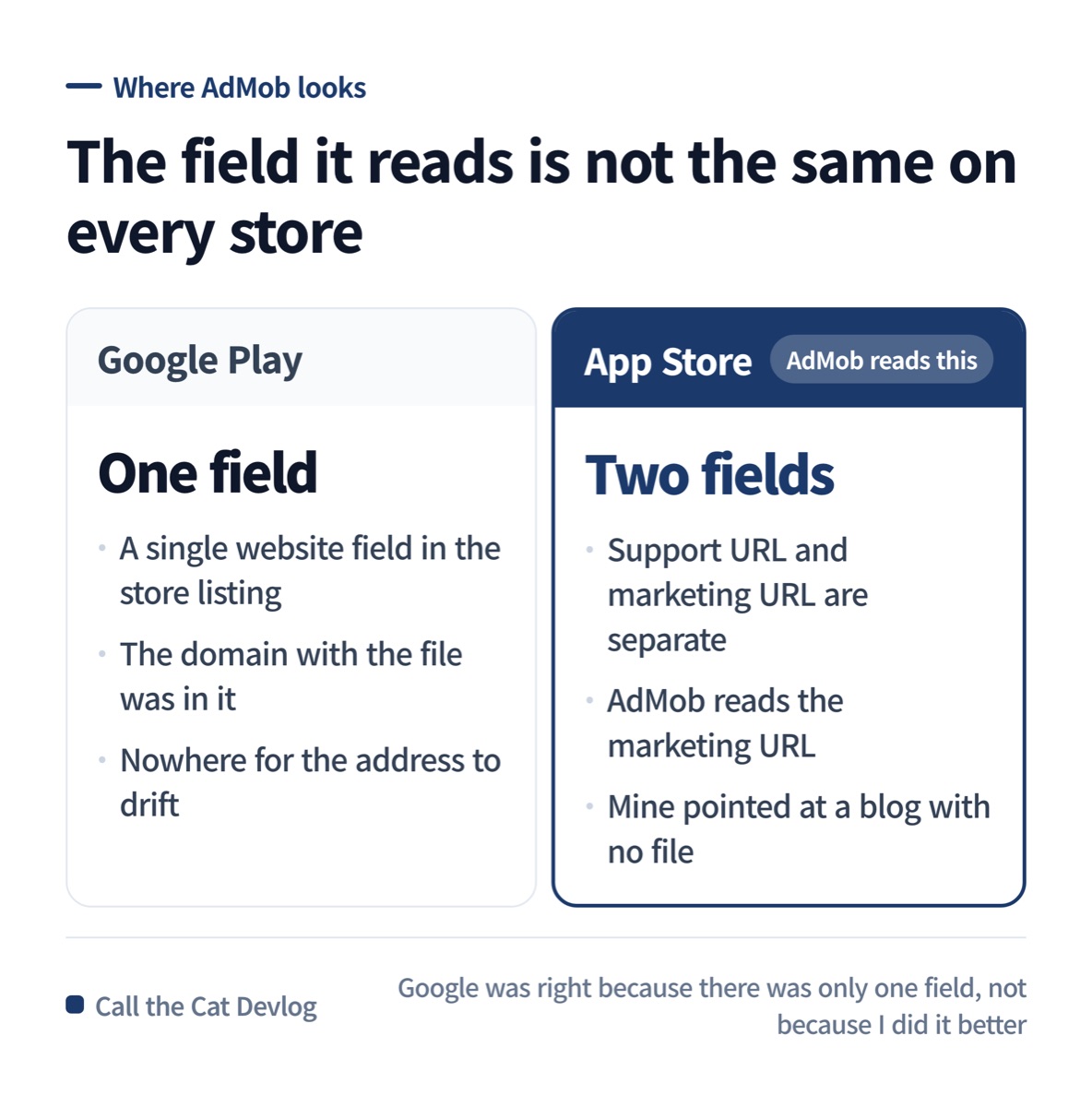
Google has one website field. Apple has two, and AdMob reads the marketing one.
Google Play has one website field. The domain that has the file was in it, so it matched.
Apple has a support URL and a marketing URL, separately. I had put runaria81-eng.github.io — the domain that has the file — in the support URL, and AdMob reads the marketing URL. My marketing URL was barendevlog.com, this blog, and it did not have the file.
Google was not right because I did it better. It was right because there was only one field, so there was nowhere for it to drift.
What I actually measured
I stopped guessing and sent requests to both addresses.
| Address | Response |
|---|---|
| https://runaria81-eng.github.io/app-ads.txt — the support URL | 200 · text/plain · 59 bytes |
| https://barendevlog.com/app-ads.txt — the marketing URL | 404 · the blog’s not-found page answered instead |
AdMob’s own crawl record said the same thing. For the marketing domain it had failed on both https and http; for the support domain it reported that it had found and checked the file.
Only at this point was it settled that this was an address problem and not a file problem. Everything before that was my guess.
There were two fixes, and I nearly picked the slow one
| Put the file on the marketing-URL domain | Change the marketing URL | |
|---|---|---|
| How fast it takes effect | About a day — AdMob re-crawls app-ads.txt roughly daily (the console showed the last crawl 3–8 hours earlier) | Up to 7 days — the console states it can take up to 7 days to detect a domain change on the App Store |
| App resubmission | Not needed | A shipped app may need a new version |
| Scope | Every app using that domain | One app at a time |
Changing the address looked faster at first. It was the opposite. Store-listing changes take up to a week to be detected, and the file gets re-crawled within a day.
Putting the file on the marketing-URL domain was also the more correct shape to begin with. barendevlog.com is my actual marketing site — this one.
I fixed it in under a day without moving the file
The blog runs on WordPress, so dropping a file into the web root meant going into hosting. Instead I used the redirect plugin that was already installed and added one rule.
/app-ads.txt → 301 → https://runaria81-eng.github.io/app-ads.txtBefore touching anything I opened the official documentation and read whether this is even allowed. Google Ad Manager’s help says only one redirect off the original root domain is followed, and that if a second redirect is involved the file is not crawled — even to the same domain. AdMob’s help adds that the destination host’s robots.txt can affect the crawler and that the Google crawler fetches both http and https, so I checked the destination’s robots.txt and both schemes.
Then I verified it with real responses.
| Request | Result on 2026-09-08 |
|---|---|
| https://barendevlog.com/app-ads.txt | 301 → final 200 · text/plain · 1 hop |
| https://barendevlog.com/app-ads.txt | 301 → final 200 · 1 hop |
| https://www.barendevlog.com/app-ads.txt | 301 → final 200 · 1 hop |
| https://runaria81-eng.github.io/robots.txt | 404 — no robots.txt, so nothing there blocks the crawler |
One hop is the whole point. Google’s limit is a single redirect leaving the domain. A second one voids it. And because AdMob crawls http and https both, both have to be checked.
Copy this — three lines to check after you upload it
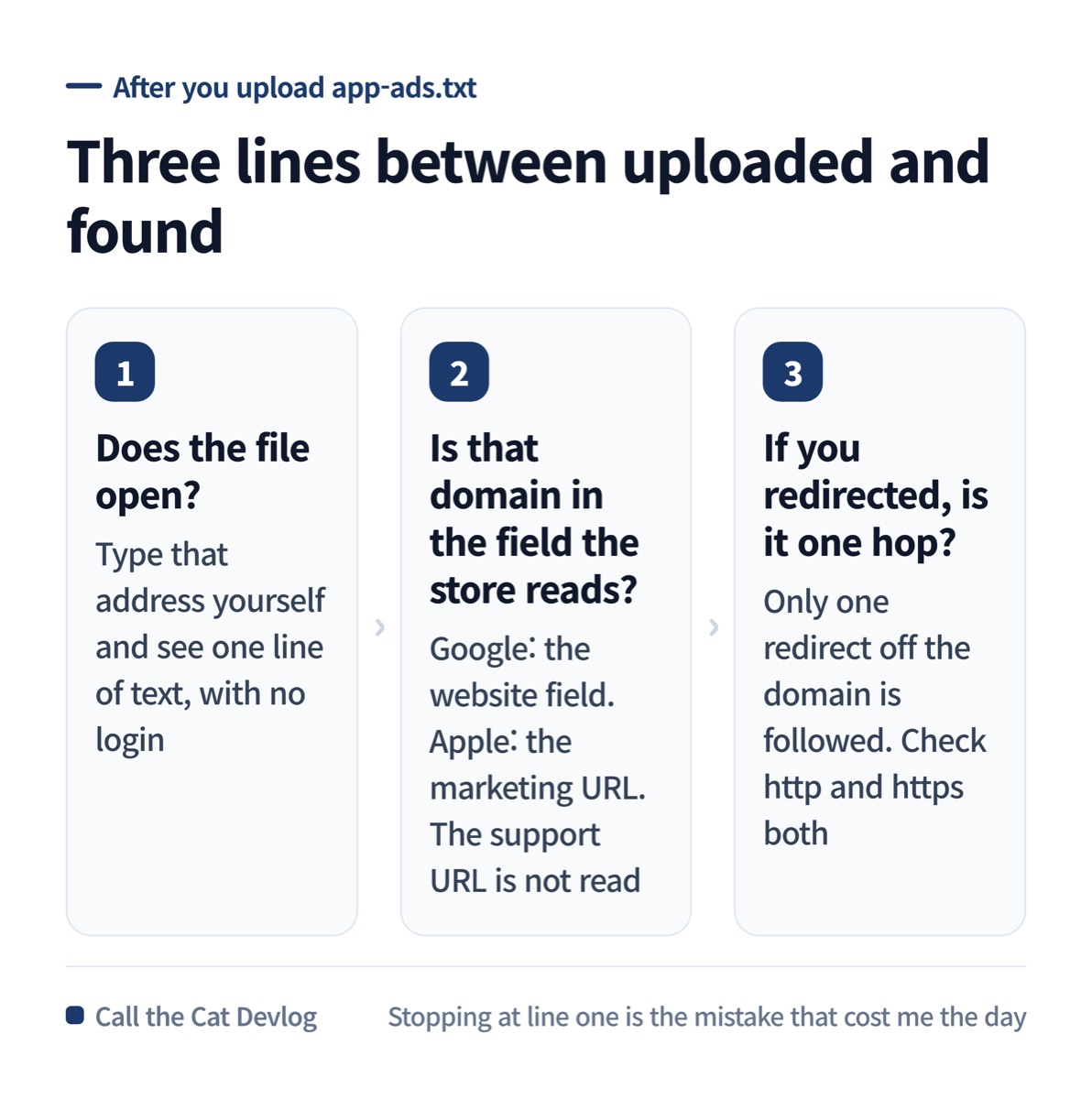
Does it open, which field does the store read, how many hops.
Run these three in order after uploading the file. Stopping at line one is exactly the mistake I made.
| Order | What you check | Passing means |
|---|---|---|
| 1 | Does the file actually open? | Type that address yourself and see one line of text. It must open without a login |
| 2 | Is that domain in the field the store reads? | Google: the website field in the store listing. Apple: the marketing URL. AdMob does not read the support URL |
| 3 | If you used a redirect, is it one hop? | Only one redirect off the domain is allowed. Check http and https both |
Give the AI this one sentence when you hand it the job.
After uploading app-ads.txt, send a real request to the developer website address
written in the store listing and show me that it returns 200 and text. If you
could not check, say exactly that: "I only uploaded the file and did not verify
the address the store actually reads."
With that sentence, “I uploaded it” comes back split into how far it actually went.
The same shape as the previous post
In the previous devlog I wrote that “it is in the config file” and “it is in the app” are two different sentences. This is the same shape happening outside the store console.
“I uploaded the file” and “it is where the store looks” are different sentences. The first one ends in my hands. The second depends on where someone else’s system is pointed. Skip the gap between them and you will keep re-opening a file that was never the problem.
At a glance
| Item | Detail |
|---|---|
| Symptom | Same file: Google fine, Apple reports “not found” |
| Cause | AdMob reads a different field per store. On Apple it is the marketing URL |
| Measured | Direct requests to both domains — 200 on one, 404 on the other |
| Fix | One 301 redirect on the marketing-URL domain. No app resubmission |
| Verified | 2026-09-08 — http, https and www all reach 200 in one hop, and the destination has no robots.txt |
| Not confirmed | The AdMob console flipping to “verified” only happens on the next crawl |
| Lesson | “I uploaded it” and “it is where they look” are two different sentences |
Solo dev of Call the Cat, shipped after 178 days
on Google Play and Steam.
The sequel, Call the Cat: Galaxy, is now on the App Store — still building it in public.
Leave a Reply