Solo Dev Log · Part 4 of building and shipping Call the Cat in 178 days · Read the whole build log →
Move a button to the right.
That was the whole task.
Change one coordinate value in the editor.
Done.
It took three hours.
The editor preview looked fine.
Then I built it, ran it on a device,
and the button sat in the wrong place.
I’d fix it,
and a different screen ratio would break it again.
The editor screen and the real screen are not the same thing
Most editor previews show you one reference resolution.
The devices your game actually runs on
come in every ratio and resolution imaginable.
A coordinate that looked perfectly placed in the editor
would clip or drift on a different aspect ratio.
I didn’t know that yet,
so I kept running the same loop.
Change one number.
Check.
Change it again.
The coordinate wasn’t the problem.
The problem was that I wasn’t positioning anything
relative to screen size at all.
I was pinning everything to fixed numbers.
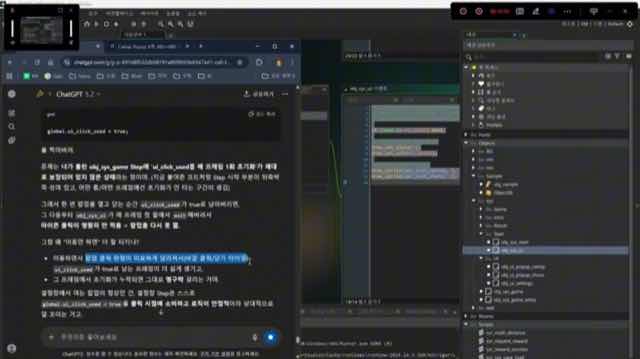
The actual screen from that day — ChatGPT open next to the GameMaker code editor while I tracked down the cause.
Why it actually took three hours
It didn’t drag on because the right coordinate was hard to find.
It dragged on because I was diagnosing the wrong cause.
I assumed the number was wrong,
so I kept changing numbers.
Every time, it broke again on a different screen.
Only after several rounds of that did it click.
The problem wasn’t the number.
It was the fixed reference point
the whole layout was built on.
Once I re-diagnosed it,
I switched to positioning UI elements
relative to the screen’s aspect ratio
instead of fixed coordinates.
After that one change,
I stopped losing entire evenings to a single button
because of some screen I hadn’t tested on.
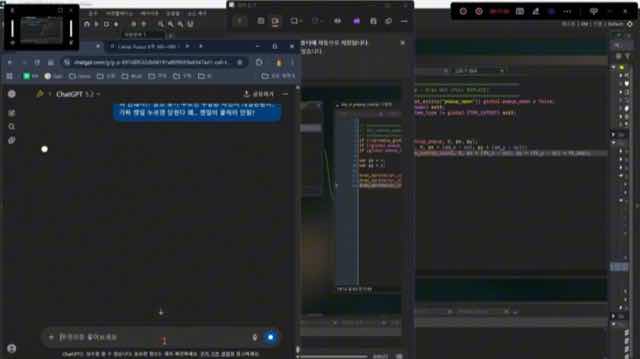
The actual code I changed — recalculating a popup’s position from the screen’s aspect ratio instead of a fixed number.
Symptoms and causes are not the same thing
What I took away wasn’t “be careful with coordinates.”
It was that chasing the symptom instead of the cause
just runs you in circles.
The symptom was one button in the wrong place.
The cause was a fixed reference point
that didn’t account for different screens.
Time spent confirming the actual cause
turned out to be faster
than time spent tweaking numbers.
Now, when something on screen looks off,
I don’t touch a number first.
I check whether it’s wrong on one screen only,
or wrong everywhere.
If you’re starting out
Before you change a single value, ask one question.
Is this broken on every screen,
or only on the one I’m looking at?
Broken everywhere usually means the value is wrong.
Broken on one screen means your layout
is anchored to something that doesn’t scale.
Those two problems look identical
and have completely different fixes.
Telling them apart first
is the difference between a five-minute fix
and a three-hour one.
And check new UI against more than one aspect ratio
from the start, not at the end.
Skipping it doesn’t save time —
it just moves the same bug onto someone else’s device,
where you have to retrace the cause from scratch.
What’s next
The sequel, Call the Cat: Galaxy,
places 2D characters inside a 3D space,
so I expect similar issues in camera framing,
not just UI.
This time I’m building against multiple aspect ratios early,
instead of discovering the problem after the fact.
Solo dev of Call the Cat, shipped after 178 days
on Google Play
and Steam.
Now building the sequel, Call the Cat: Galaxy, in public.